Tesla has revolutionized the automotive industry with its innovative technology, impressive performance, and commitment to sustainability. As a result, demand for both new and used Tesla vehicles remains high. Purchasing a used Tesla can be an attractive option for those looking to experience electric vehicle (EV) ownership without paying the premium price of a new model. However, buying a used Tesla requires careful consideration and due diligence to ensure you are making a sound investment.
This comprehensive checklist provides a step-by-step guide to help you navigate the process of buying a used Tesla, covering essential aspects from research and inspection to negotiation and paperwork.
1. Research and Preparation
Before diving into the used Tesla market, take the time to research and prepare yourself with the knowledge necessary to make an informed decision.
-
Determine Your Needs and Budget: Consider your daily driving needs, range requirements, and desired features. Establish a realistic budget, factoring in potential maintenance costs, insurance, and charging infrastructure.
-
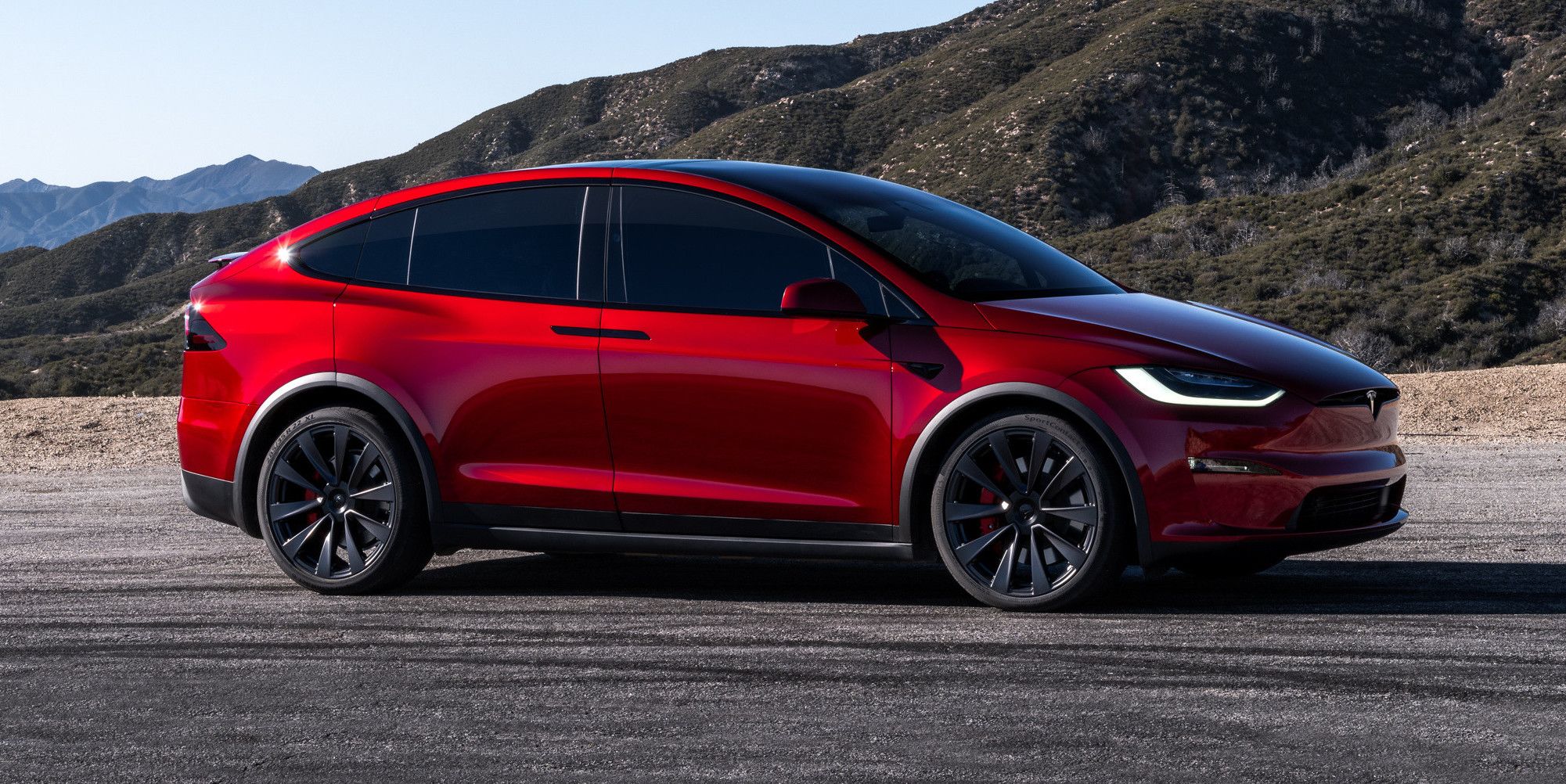
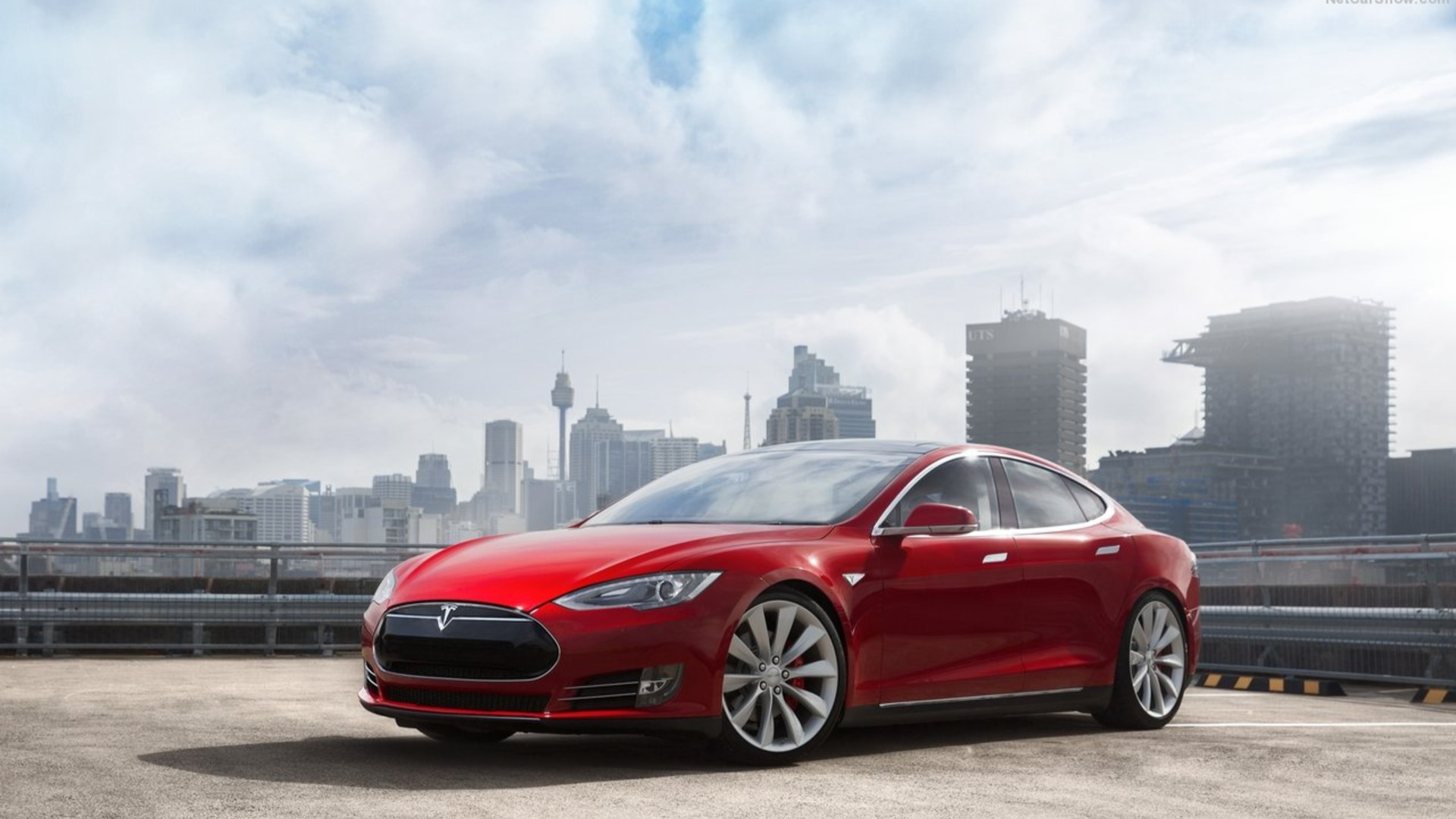
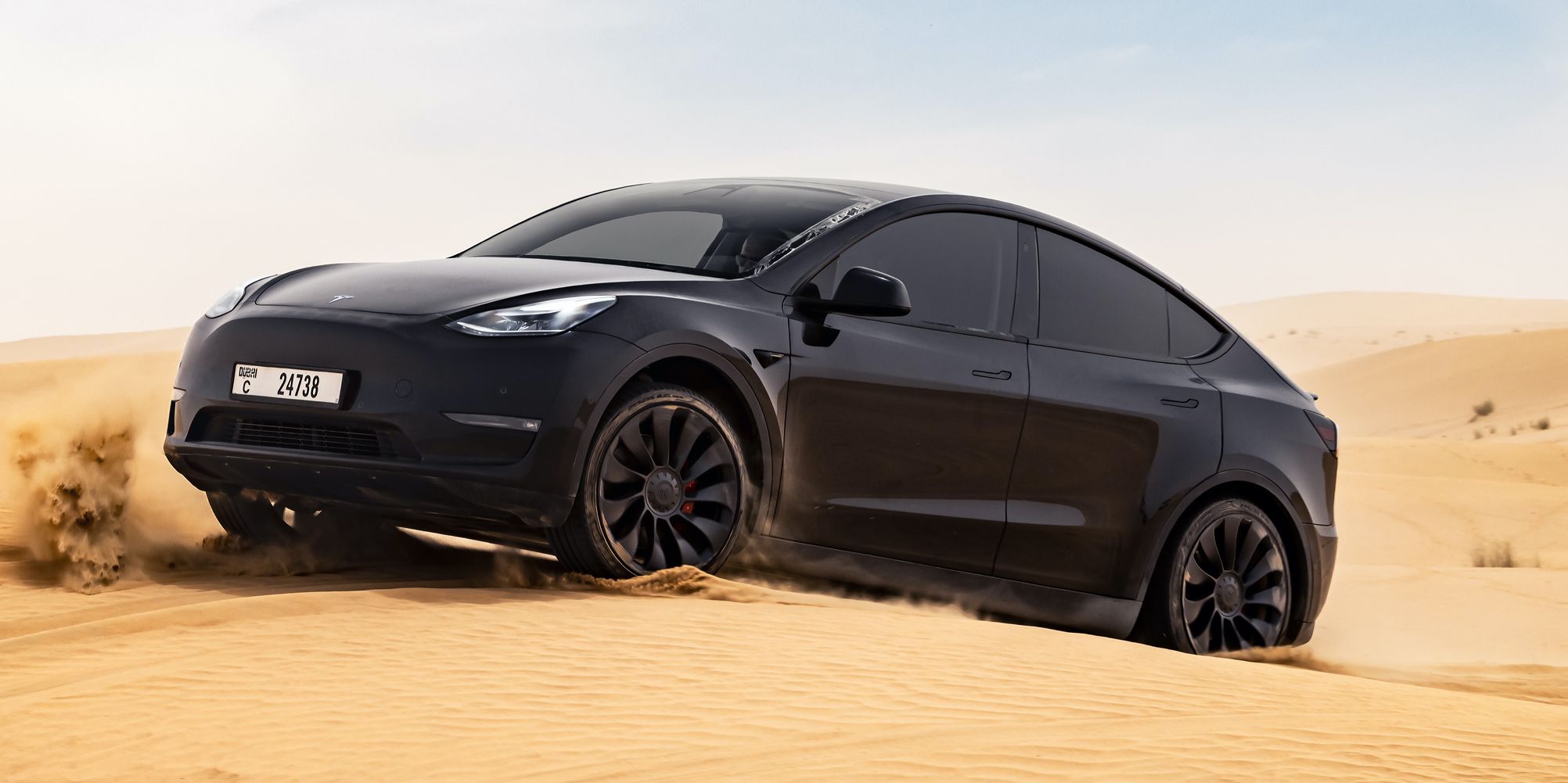
Research Tesla Models and Years: Familiarize yourself with the different Tesla models available, such as the Model S, Model 3, Model X, and Model Y. Research the specific features, specifications, and common issues associated with each model year.
-
Check Market Value: Use online resources like Kelley Blue Book (KBB), Edmunds, and Tesla's used inventory to get an idea of the market value for the Tesla model and year you are interested in. This will help you assess whether the asking price is fair.
-
Review Tesla's Warranty: Understand the remaining warranty coverage on the used Tesla you are considering. Tesla offers a basic vehicle warranty, as well as separate warranties for the battery and drivetrain. The remaining warranty coverage can significantly impact the value and peace of mind associated with the purchase.
2. Finding a Used Tesla
Once you have a clear understanding of your needs and the market, it's time to start searching for a used Tesla.
-
Tesla's Used Inventory: Tesla's website offers a selection of certified pre-owned (CPO) vehicles. These vehicles have undergone a thorough inspection and come with an extended warranty. While CPO Teslas tend to be more expensive, they offer added peace of mind.
-
Third-Party Websites: Explore popular online marketplaces like Carvana, Vroom, and AutoTrader. These platforms often have a wide selection of used Teslas from private sellers and dealerships.
-
Local Dealerships: Check with local dealerships that specialize in EVs or have a used car inventory. They may have used Teslas available.
-
Tesla Forums and Communities: Join online Tesla forums and communities to connect with Tesla owners who may be selling their vehicles. These platforms can provide valuable insights and potential opportunities.
3. Initial Contact and Information Gathering
Once you find a used Tesla that interests you, reach out to the seller (whether it's a private individual or a dealership) and gather as much information as possible.
-
Vehicle History Report: Request a vehicle history report from the seller, such as Carfax or AutoCheck. This report will provide information about the vehicle's ownership history, accident records, title issues, and odometer readings.
-
Service Records: Ask for service records to understand the vehicle's maintenance history. Pay attention to any major repairs or recurring issues.
-
Battery Health: Inquire about the battery's health and degradation. Tesla batteries typically degrade over time, resulting in a reduction in range. Ask for a screenshot of the battery's rated range at 100% state of charge.
-
Software Version: Ask about the software version installed on the Tesla. Newer software versions often include updated features and improvements.
-
Autopilot Configuration: Determine whether the Tesla has Autopilot enabled and what features are included. Autopilot can significantly enhance the driving experience, but it comes at an additional cost.
4. Pre-Purchase Inspection
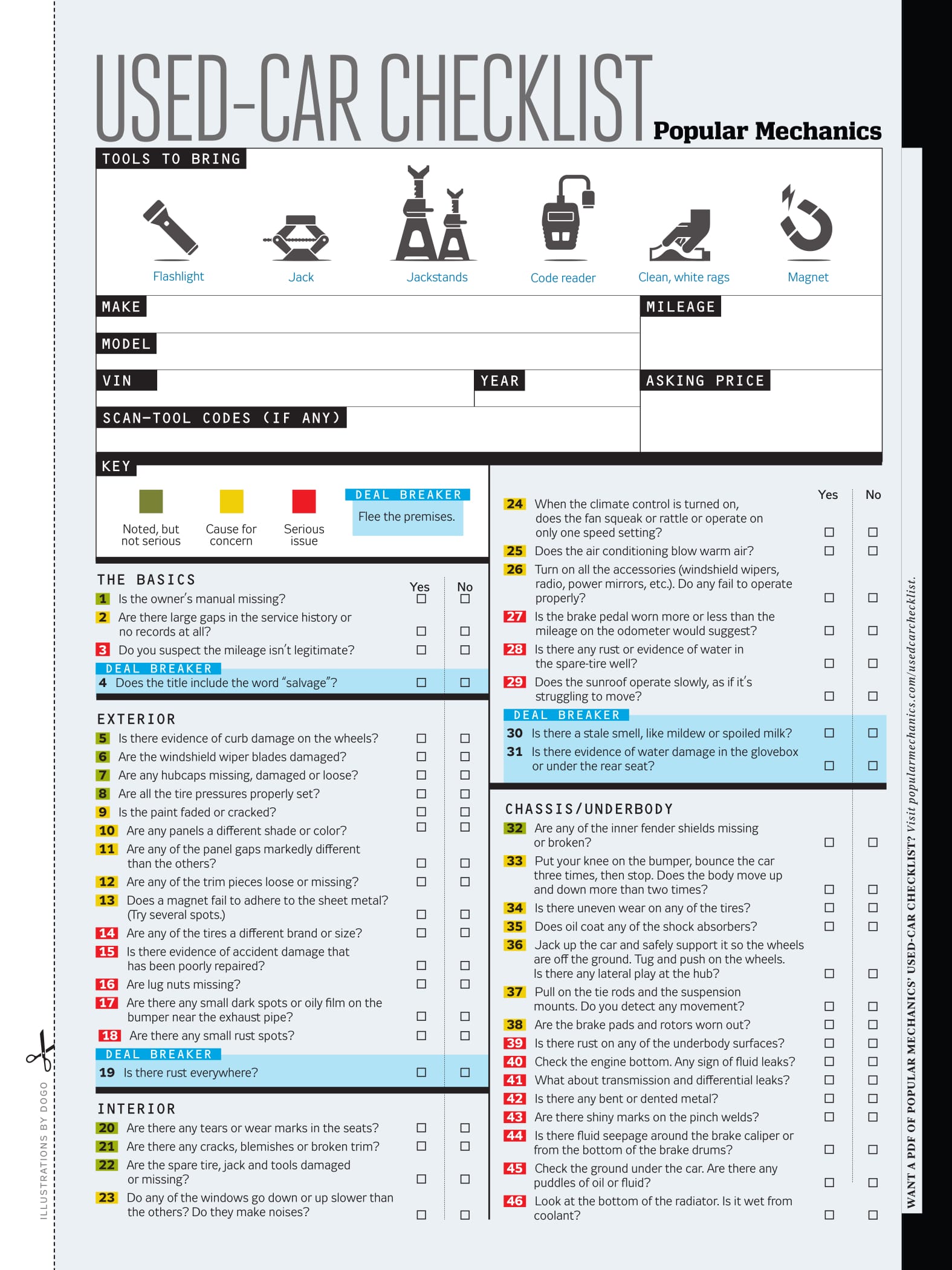
Before committing to purchase a used Tesla, it's crucial to conduct a thorough pre-purchase inspection. This will help you identify any potential issues or hidden problems.
-
Visual Inspection:
- Exterior: Inspect the body for any signs of damage, such as dents, scratches, or rust. Check the alignment of panels and look for any inconsistencies in paint color, which could indicate previous repairs. Examine the tires for wear and tear.
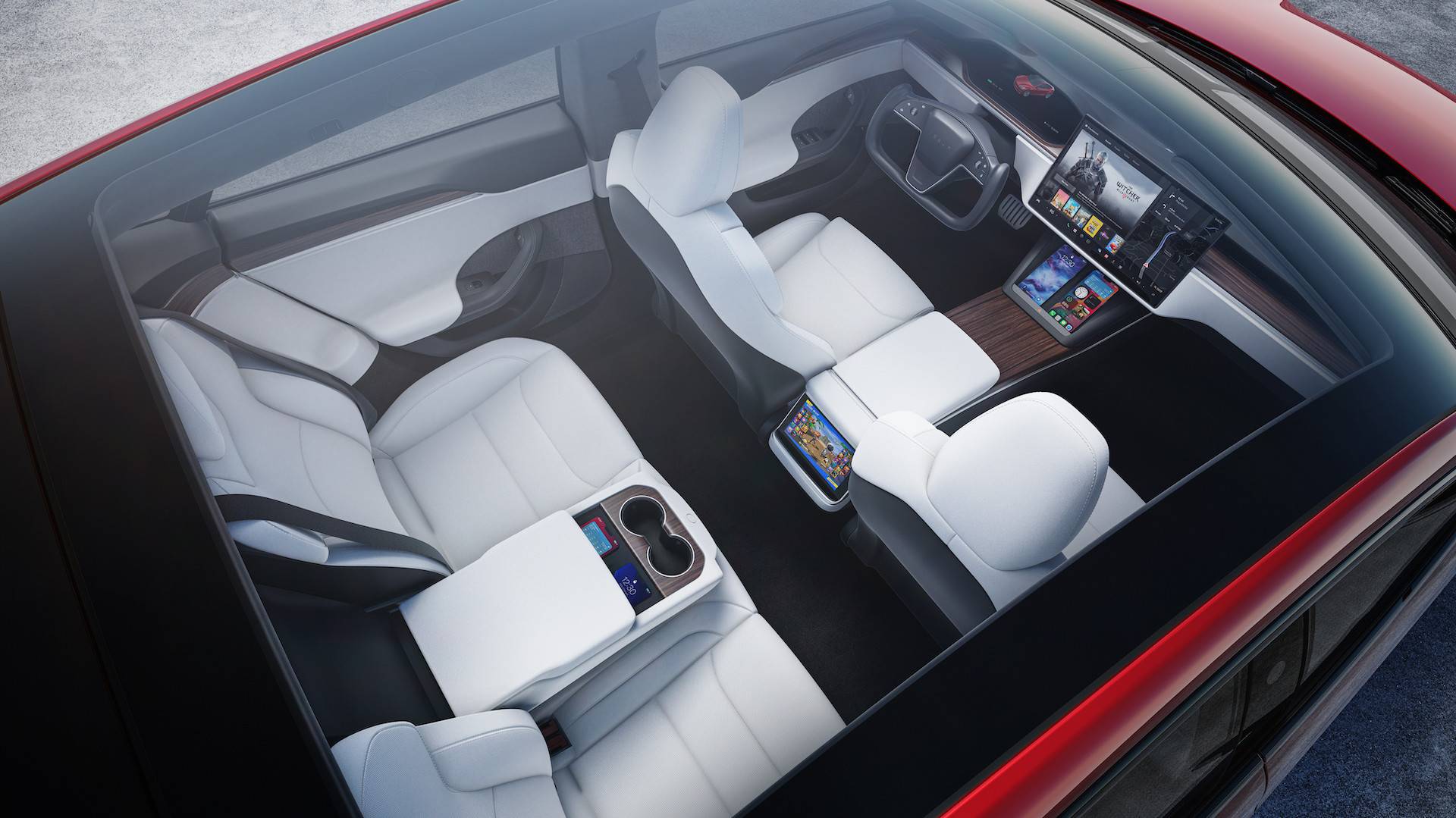
- Interior: Check the condition of the seats, carpets, and dashboard. Look for any signs of wear, stains, or damage. Test all the interior features, such as the infotainment system, climate control, and power windows.
- Glass: Inspect the windshield, windows, and sunroof for any cracks, chips, or damage.
-
Mechanical Inspection:
- Suspension: Inspect the suspension system for any signs of wear or damage, such as worn bushings or leaking shocks.
- Brakes: Check the brake pads and rotors for wear. Test the brakes to ensure they are functioning properly.
- Tires: Check the tire tread depth and condition. Look for any signs of uneven wear.
-
Electrical Inspection:
- Charging: Test the charging port and ensure it is functioning properly with both AC and DC charging.
- Battery: Check the battery's health and degradation using the Tesla's energy app or by requesting a battery health report from Tesla.
- Electronics: Test all the electronic features, such as the headlights, taillights, turn signals, and infotainment system.
-
Professional Inspection:
- Tesla Service Center: Consider taking the Tesla to a Tesla service center for a pre-purchase inspection. They have the expertise and equipment to thoroughly assess the vehicle's condition.
- Independent Mechanic: Alternatively, you can take the Tesla to an independent mechanic who specializes in EVs.
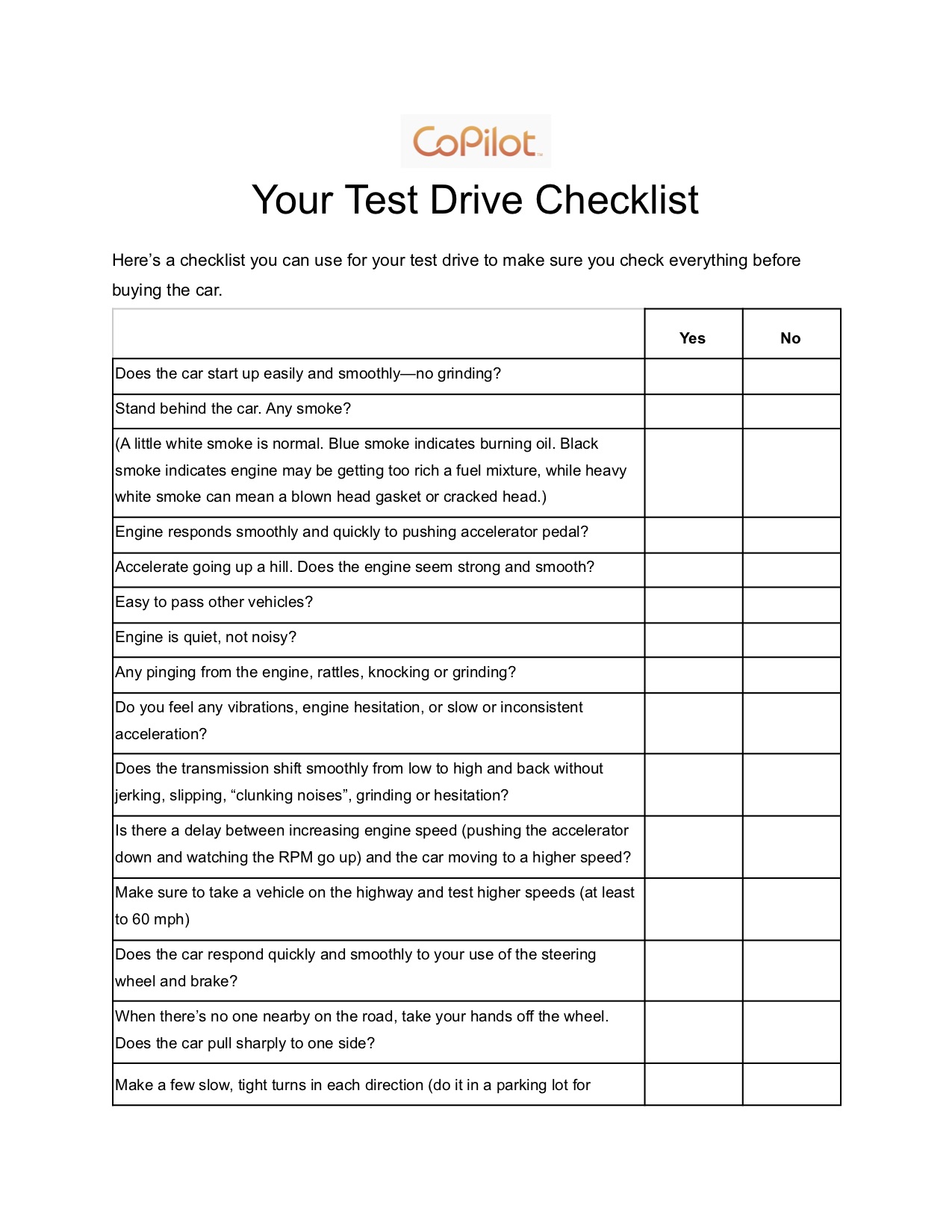
5. Test Drive
A test drive is an essential step in the used Tesla buying process. It allows you to experience the vehicle's performance, handling, and comfort firsthand.
-
Driving Experience: Pay attention to the Tesla's acceleration, braking, and handling. Ensure the ride is smooth and comfortable.
-
Autopilot Functionality: If the Tesla has Autopilot enabled, test its functionality in various driving conditions.
-
Range and Charging: Monitor the battery's range and charging capabilities during the test drive.
-
Listen for Noises: Listen for any unusual noises coming from the motor, suspension, or brakes.
6. Negotiation and Purchase
After conducting a thorough inspection and test drive, it's time to negotiate the price and finalize the purchase.
-
Negotiation: Use the information you gathered during your research and inspection to negotiate a fair price. Be prepared to walk away if the seller is unwilling to negotiate.
-
Financing: If you need financing, shop around for the best interest rates and loan terms.
-
Paperwork: Review all the paperwork carefully before signing. Ensure the purchase agreement includes all the agreed-upon terms and conditions.
-
Payment: Make payment using a secure method, such as a cashier's check or wire transfer.
7. Post-Purchase Considerations
After purchasing a used Tesla, there are a few things to keep in mind.
-
Transfer Ownership: Transfer the ownership of the Tesla into your name with the Department of Motor Vehicles (DMV).
-
Insurance: Obtain insurance coverage for the Tesla.
-
Charging Infrastructure: Set up a home charging station if you plan to charge the Tesla at home.
-
Tesla Account: Create a Tesla account and link it to your vehicle. This will allow you to access features like remote access, software updates, and charging information.
Conclusion
Buying a used Tesla can be a rewarding experience, but it requires careful planning and execution. By following this comprehensive checklist, you can increase your chances of finding a reliable and well-maintained used Tesla that meets your needs and budget. Remember to do your research, conduct a thorough inspection, and negotiate a fair price. With the right approach, you can enjoy the benefits of Tesla ownership without breaking the bank.













Comments
Post a Comment