Tesla Autopilot is a suite of advanced driver-assistance systems (ADAS) that can assist drivers with steering, accelerating, and braking. While Autopilot can make driving easier and more convenient, it is important to remember that it is not a self-driving system. Drivers must always remain attentive and be prepared to take over control of the vehicle at any time.
This guide provides a comprehensive overview of Tesla Autopilot, including its features, limitations, and safe usage practices. Whether you're a new Tesla owner or considering purchasing one, this guide will help you understand how to use Autopilot safely and effectively.
What is Tesla Autopilot?
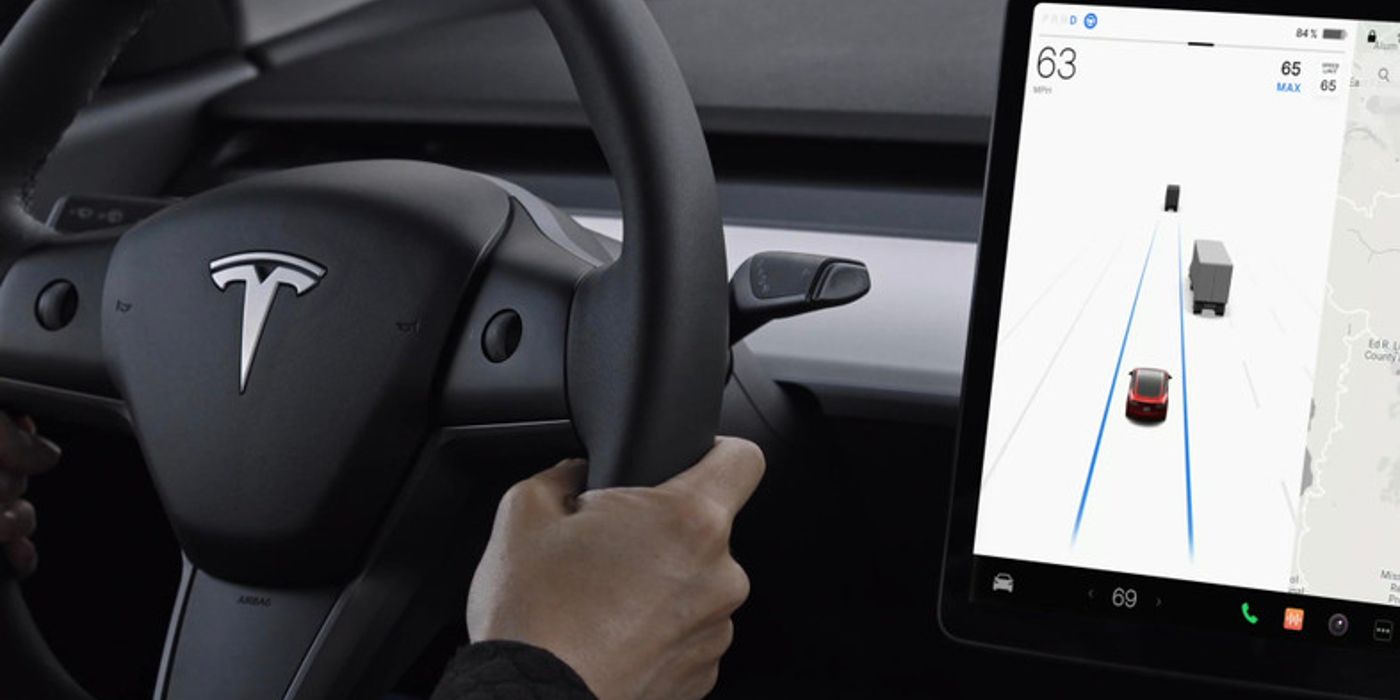
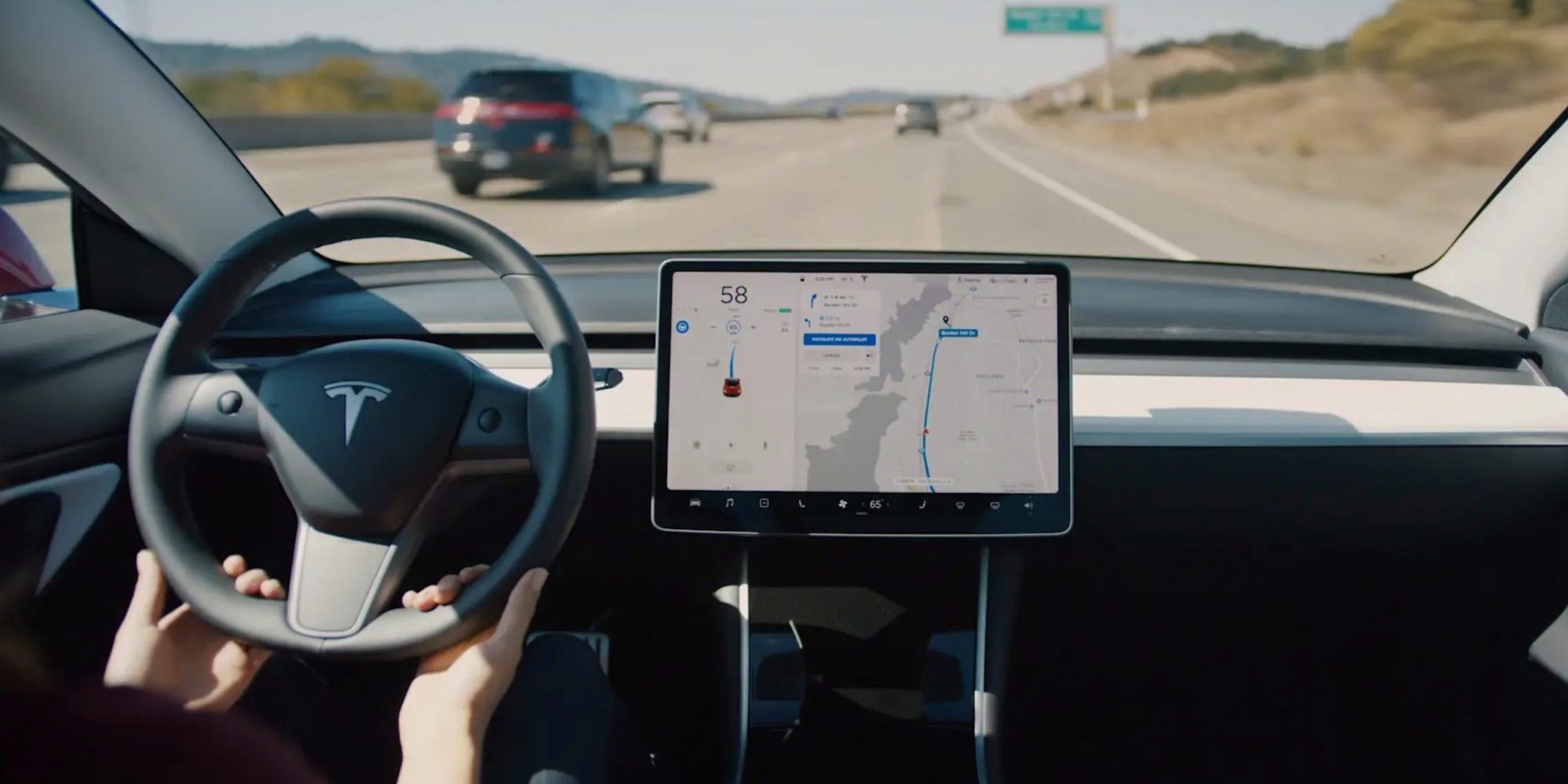
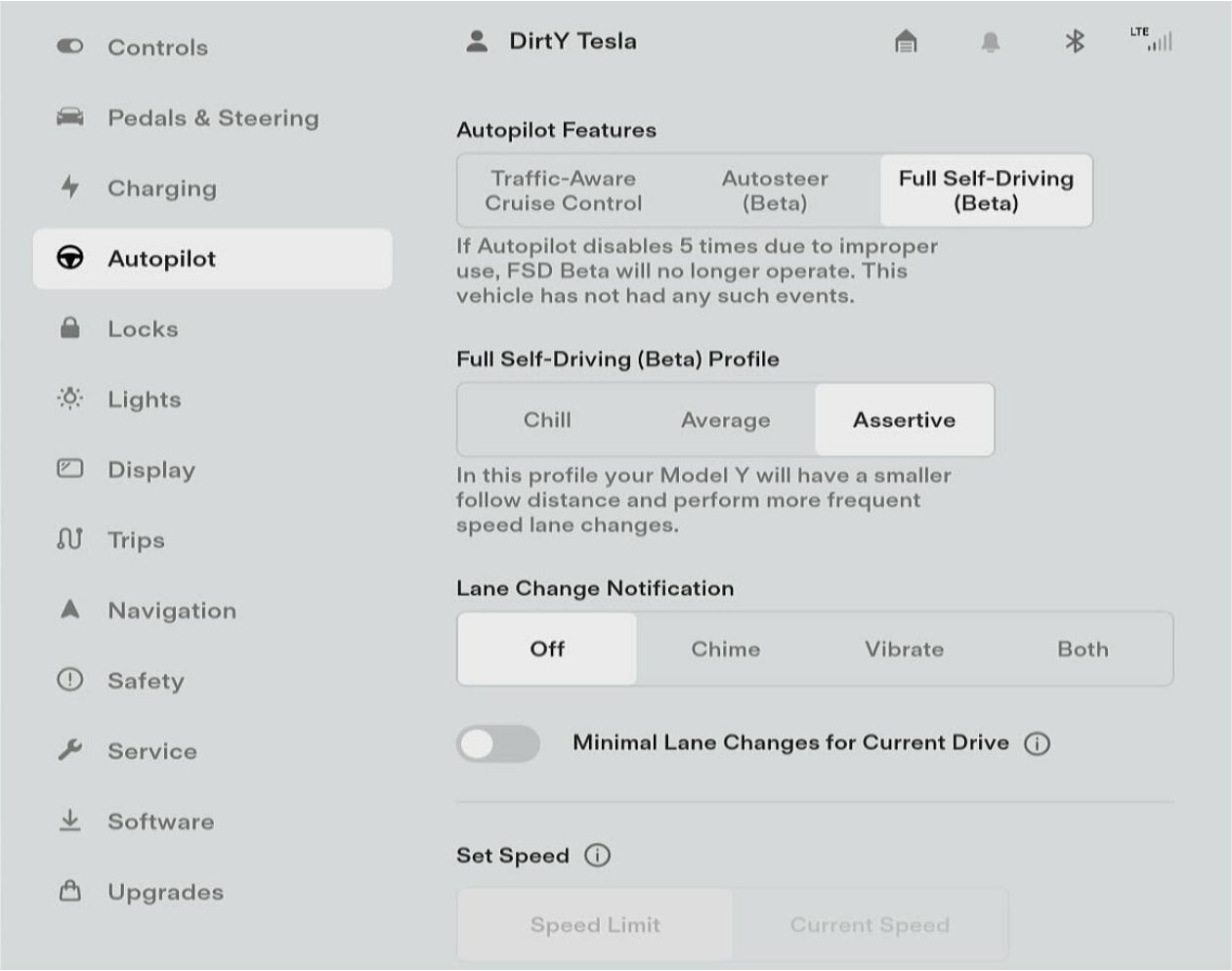
Tesla Autopilot is a collection of ADAS features designed to automate some driving tasks. It uses a combination of cameras, radar, and ultrasonic sensors to perceive the vehicle's surroundings and make decisions. The primary features of Autopilot include:
- Traffic-Aware Cruise Control: Maintains a set speed and distance from the vehicle in front, automatically accelerating and braking as needed.
- Autosteer: Assists with steering within a clearly marked lane, keeping the vehicle centered.
In addition to these core features, Tesla also offers enhanced versions of Autopilot, such as:
- Navigate on Autopilot: Extends Autosteer to navigate highway on-ramps and off-ramps, suggest lane changes, and automatically steer through interchanges.
- Auto Lane Change: Automatically changes lanes when prompted by the driver.
- Autopark: Automatically parks the vehicle in parallel or perpendicular parking spaces.
- Summon: Allows the vehicle to automatically move forward or backward in tight spaces, even without a driver inside.
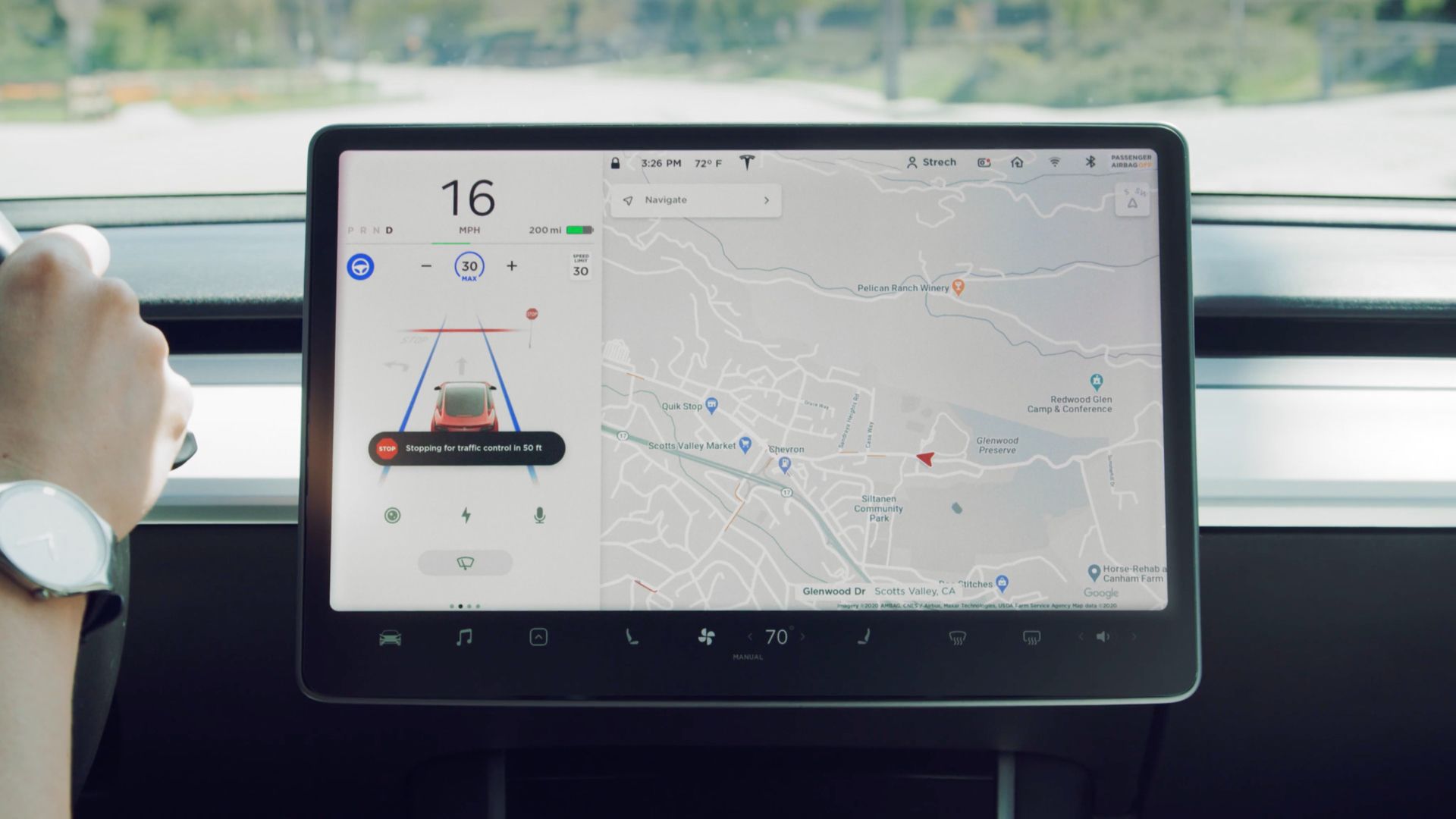
- Traffic Light and Stop Sign Control: Automatically slows down and stops for traffic lights and stop signs.
Limitations of Tesla Autopilot
It is crucial to understand the limitations of Tesla Autopilot to use it safely. Autopilot is not a self-driving system and requires constant driver supervision. Some key limitations include:
- Not a Self-Driving System: Autopilot is designed to assist drivers, not replace them. Drivers must always remain attentive and be prepared to take over control of the vehicle.
- Requires Driver Attention: Autopilot relies on the driver to monitor the vehicle's surroundings and ensure safe operation. The driver must be ready to take over at any time.
- Limited Functionality in Certain Conditions: Autopilot may not function properly in adverse weather conditions, such as heavy rain, snow, or fog. It may also struggle with faded lane markings, construction zones, or complex traffic scenarios.
- May Not Detect All Obstacles: Autopilot's sensors may not detect all obstacles, especially small or low-lying objects.
- Can Make Mistakes: Autopilot is not perfect and can make mistakes. It may misinterpret traffic signals, lane markings, or other road conditions.
Safe Usage Practices for Tesla Autopilot
To use Tesla Autopilot safely, follow these best practices:
- Always Remain Attentive: Never rely solely on Autopilot to drive the vehicle. Always keep your eyes on the road and be prepared to take over control at any time.
- Keep Your Hands on the Steering Wheel: Autopilot requires the driver to keep their hands on the steering wheel to ensure they are ready to take over if needed.
- Pay Attention to Alerts: Autopilot will provide visual and auditory alerts to prompt the driver to take over control. Pay attention to these alerts and respond promptly.
- Be Prepared to Take Over: Be ready to take over control of the vehicle at any time, especially in complex or unpredictable traffic situations.
- Do Not Use Autopilot in Adverse Weather Conditions: Autopilot may not function properly in heavy rain, snow, or fog.
- Do Not Use Autopilot in Construction Zones: Autopilot may struggle with lane markings and traffic patterns in construction zones.
- Do Not Use Autopilot on Unpaved Roads: Autopilot is designed for use on paved roads with clear lane markings.
- Familiarize Yourself with Autopilot's Limitations: Understand the limitations of Autopilot and be aware of situations where it may not function properly.
- Keep Software Updated: Ensure your Tesla's software is up to date to receive the latest Autopilot improvements and safety features.
- Avoid Distractions: Minimize distractions while using Autopilot, such as using your phone, eating, or engaging in conversations.
- Understand Engagement and Disengagement: Know how to properly engage and disengage Autopilot. Typically, engaging involves pulling the gear selector down twice, while disengaging can be done by pressing the brake pedal, steering manually, or pressing the Autopilot stalk.
- Use Autopilot Responsibly: Autopilot is a powerful tool that can make driving easier and more convenient, but it is not a substitute for safe driving practices.
Best Practices for Specific Autopilot Features:
- Traffic-Aware Cruise Control:
- Set a safe following distance.
- Be aware of the speed limits and adjust accordingly.
- Monitor the vehicle's speed and be prepared to brake if necessary.
- Autosteer:
- Ensure lane markings are clear and visible.
- Be prepared to steer the vehicle if Autosteer disengages or struggles to maintain lane position.
- Do not rely on Autosteer in sharp curves or complex road conditions.
- Navigate on Autopilot:
- Review suggested lane changes before confirming them.
- Monitor the vehicle's progress and be prepared to take over if necessary.
- Be aware of upcoming exits and interchanges.
- Auto Lane Change:
- Check blind spots before initiating a lane change.
- Ensure there is sufficient space in the target lane.
- Be prepared to cancel the lane change if necessary.
- Autopark:
- Follow the on-screen instructions carefully.
- Monitor the vehicle's surroundings and be prepared to brake if necessary.
- Do not use Autopark in tight or complex parking spaces.
- Summon:
- Ensure the area around the vehicle is clear of obstacles.
- Monitor the vehicle's movement and be prepared to stop it if necessary.
- Do not use Summon in public areas or where it may obstruct traffic.
- Traffic Light and Stop Sign Control:
- Always be prepared to take over and brake, especially at intersections with pedestrian traffic.
- Do not solely rely on this feature; always visually confirm traffic signals and surroundings.
Common Misconceptions About Tesla Autopilot
There are several common misconceptions about Tesla Autopilot that can lead to unsafe usage:
- Misconception: Autopilot is a self-driving system.
- Reality: Autopilot is an ADAS that requires constant driver supervision.
- Misconception: Autopilot can handle any driving situation.
- Reality: Autopilot has limitations and may not function properly in certain conditions.
- Misconception: Drivers can relax and take their eyes off the road while using Autopilot.
- Reality: Drivers must always remain attentive and be prepared to take over control of the vehicle.
- Misconception: Autopilot is foolproof and will never make mistakes.
- Reality: Autopilot is not perfect and can make mistakes.
Consequences of Misusing Tesla Autopilot
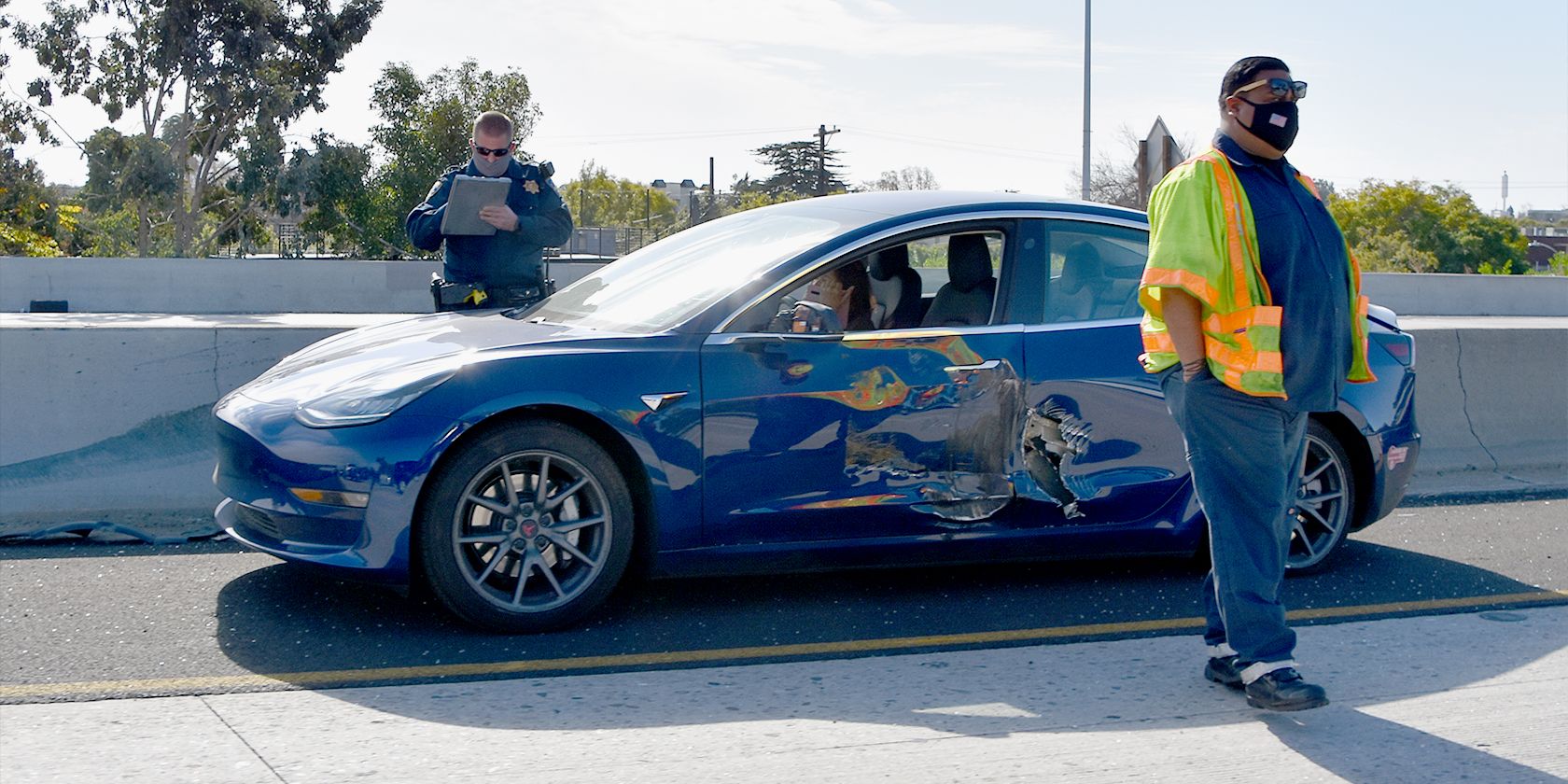
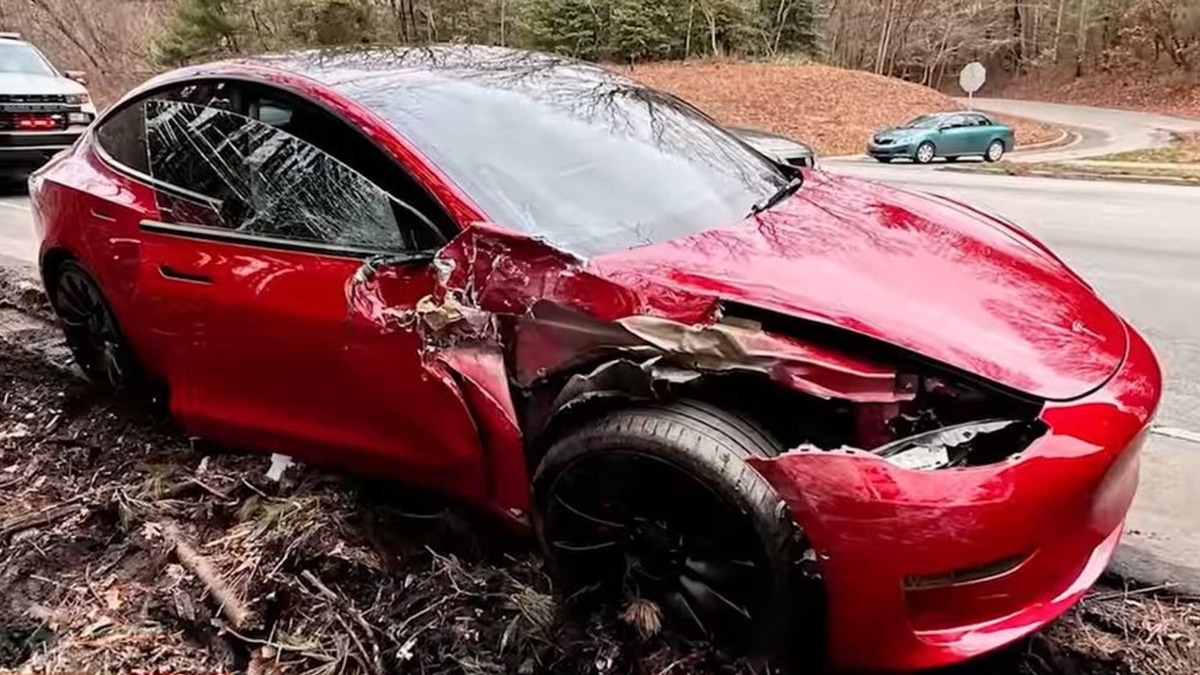
Misusing Tesla Autopilot can have serious consequences, including:
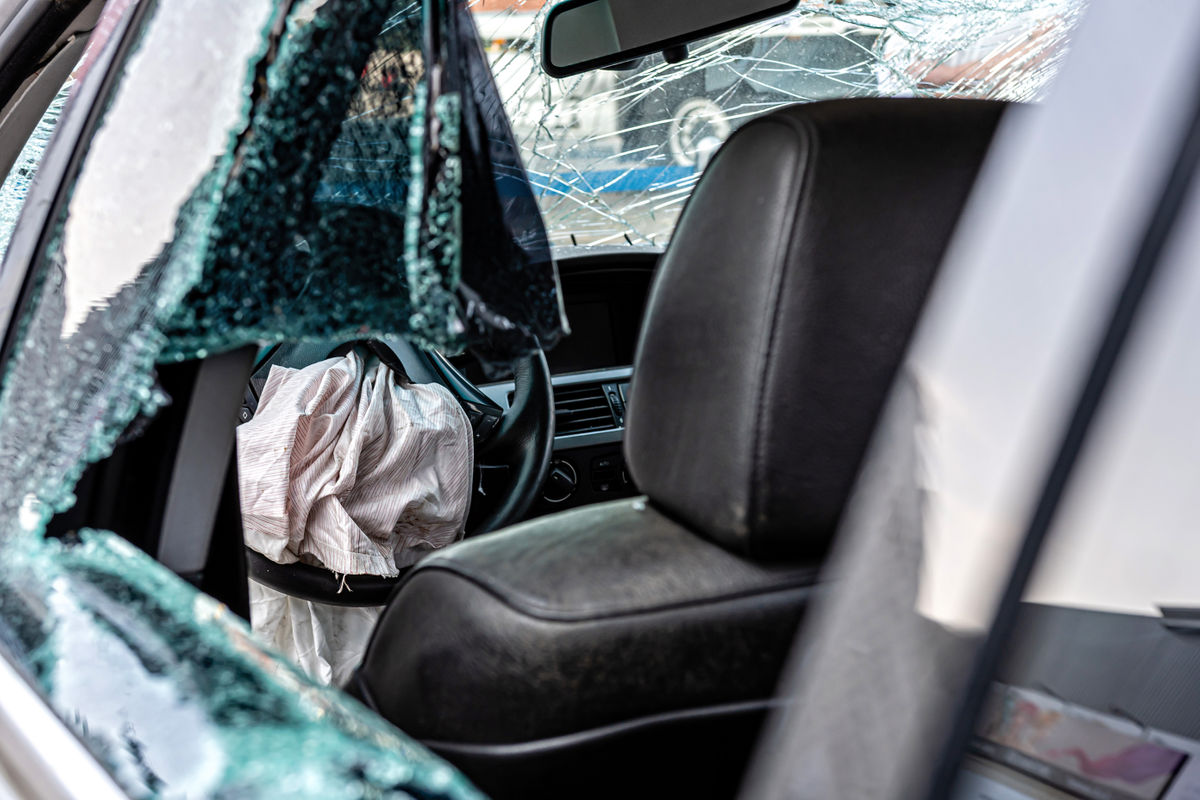
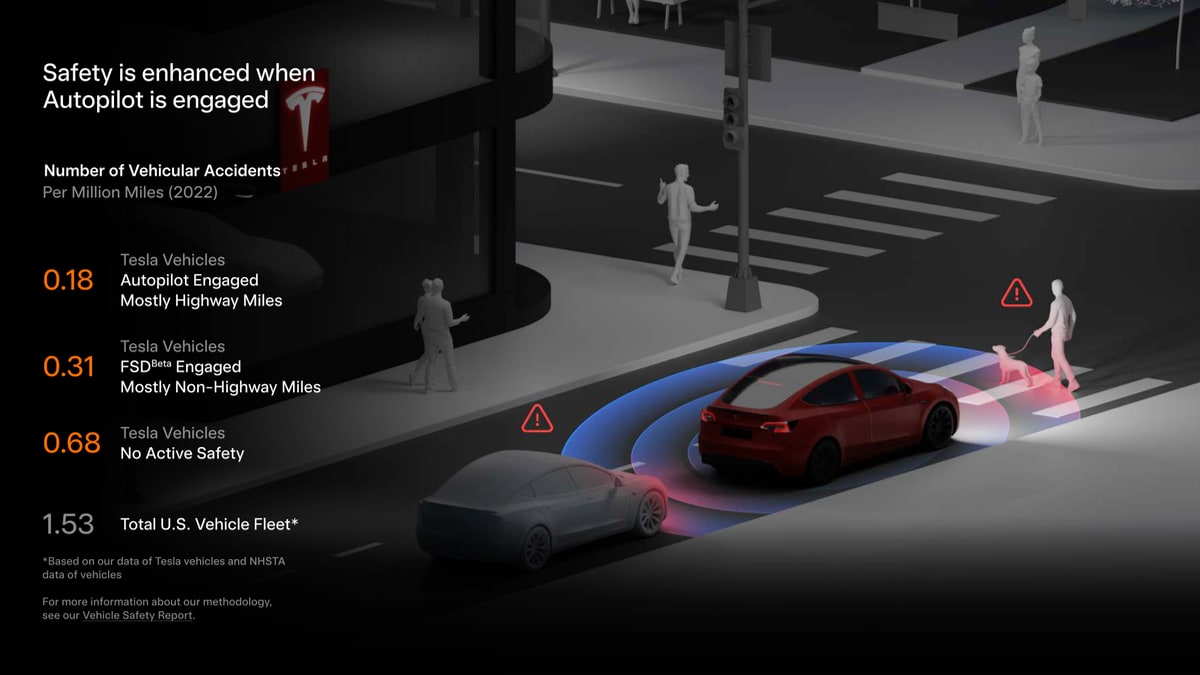
- Accidents: Driver inattention or overreliance on Autopilot can lead to accidents.
- Injuries: Accidents caused by Autopilot misuse can result in injuries to the driver, passengers, and other road users.
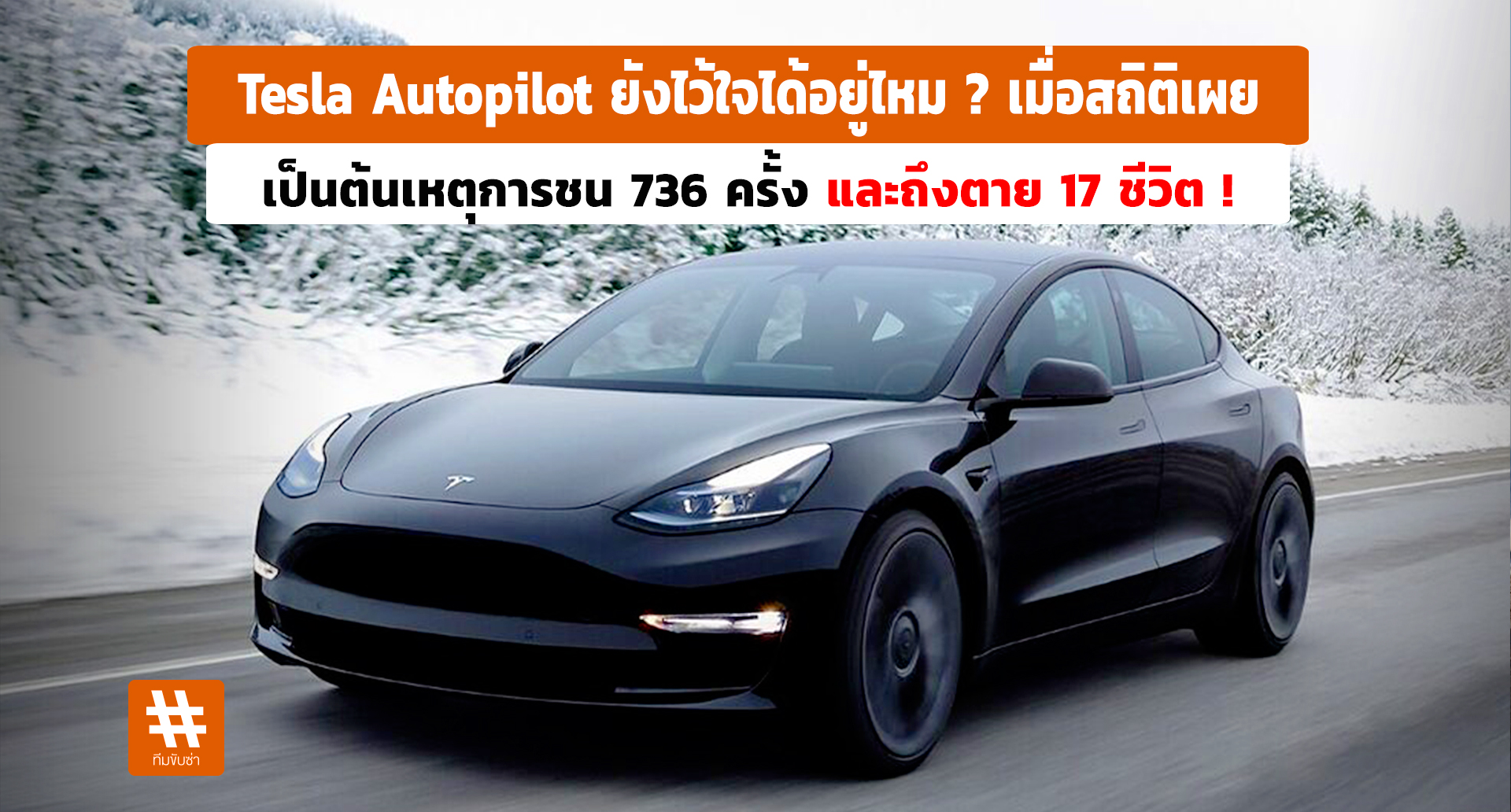
- Fatalities: In some cases, Autopilot misuse has resulted in fatalities.
- Legal Liability: Drivers who misuse Autopilot may be held liable for accidents and injuries.
- Suspension of Autopilot Privileges: Tesla may suspend or revoke Autopilot privileges for drivers who misuse the system.
Conclusion
Tesla Autopilot is a powerful ADAS that can make driving easier and more convenient. However, it is important to remember that Autopilot is not a self-driving system and requires constant driver supervision. By understanding Autopilot's features, limitations, and safe usage practices, drivers can use it effectively and responsibly. Always remain attentive, be prepared to take over control, and never rely solely on Autopilot to drive the vehicle. Drive safely and responsibly! Remember to always consult your Tesla owner's manual for the most up-to-date information and guidelines on using Autopilot. Continuous learning and adaptation are key to maximizing the benefits and minimizing the risks associated with this technology.








.png)





Comments
Post a Comment